Map Guide
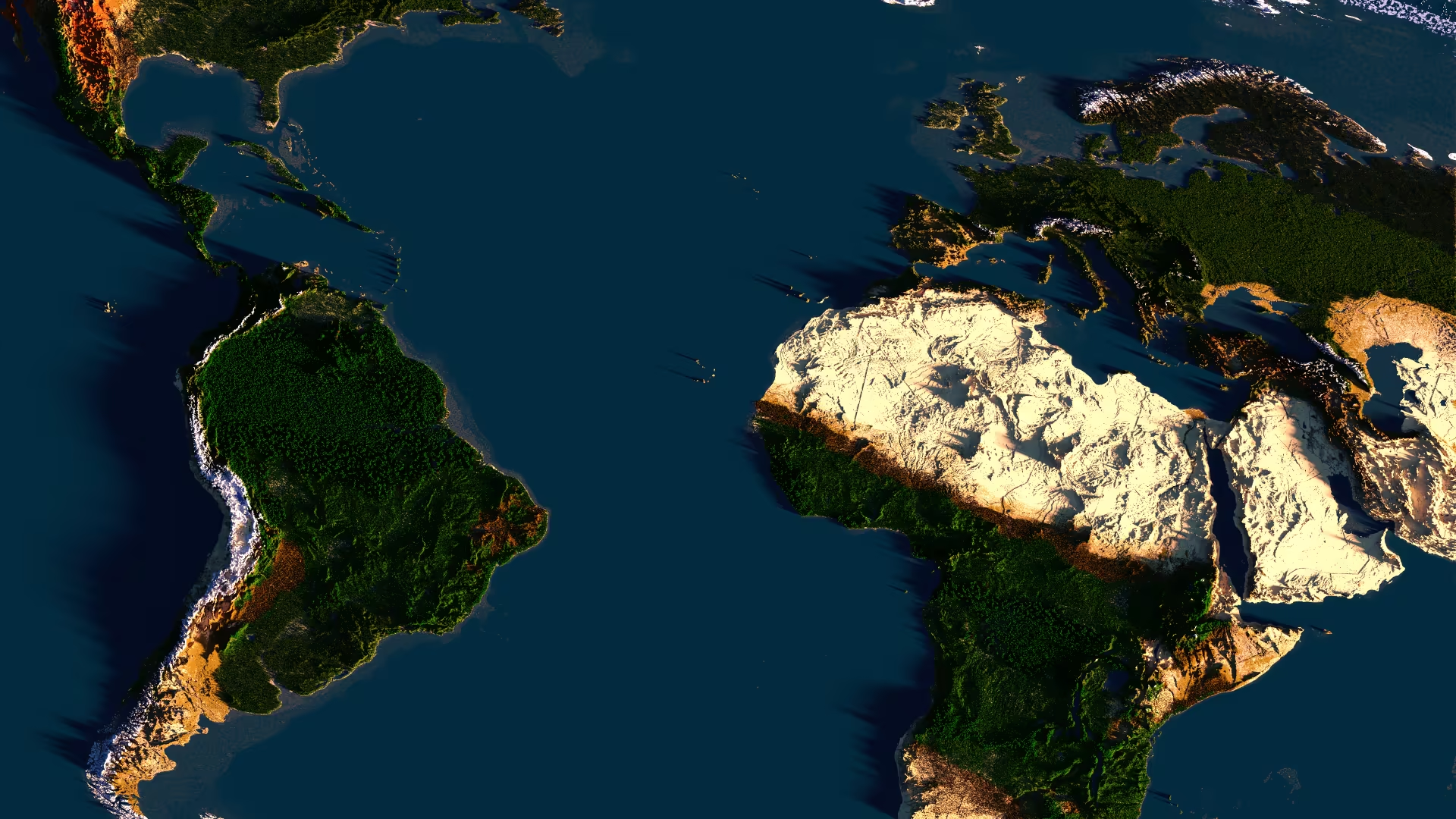
The Borderra live map helps you choose where to settle, understand nearby claims, plan travel routes, and follow how towns and nations grow over time.
Open the map at map.borderra.com. If you are already in game, use your Minecraft coordinates to match your location with the web map.
What The Map Shows
The live map is useful for checking:
- Terrain - Coastlines, oceans, mountains, rivers, and other landmarks that affect where towns can grow.
- Claims - Colored claim areas show land controlled by towns or nations.
- Borders - Claim patterns make it easier to understand who controls nearby territory.
- Settlement options - Empty areas can help new players find space before creating or joining a town.
- Travel planning - Use the map to plan roads, sea routes, trade paths, and long-distance trips.
The map is a planning tool, not a replacement for checking things in game. Before settling, visit the area yourself and make sure the terrain, resources, and neighboring claims match what you want.
Finding Yourself
Use the coordinates shown in Minecraft to locate yourself on the web map.
- Press F3 in Minecraft Java Edition.
- Find your current XYZ coordinates.
- Move around the web map until the map coordinates match your in-game position.
- Use nearby landmarks, coastlines, and claims to confirm you are looking at the right area.
This is especially useful when choosing a town location, meeting another player, or checking how far you are from a nation border.
Claims And Colors
Colored areas on the map represent claimed land. Click or inspect a claim on the map to identify the town or nation connected to it, depending on what the map panel shows.
Borderra's map color command is:
/bmap
Use /bmap in game to manage map color options. If the command shows subcommands or a help menu, follow the in-game output, since available options may change as the server develops.
Good claim colors should be easy to read against the terrain and clearly different from nearby towns or nations. Avoid choosing colors that make borders harder for other players to understand.
Visibility Notes
The map may not show every player or every hidden movement perfectly. Do not treat it as complete player tracking. Sneaking, invisibility, underground movement, server settings, or map update timing may affect what appears.
For important decisions, confirm information in game instead of relying only on the web map.
Settlement Tips
- Check nearby claims first - Avoid founding a town directly against another group's border unless you have talked to them.
- Look for natural routes - Rivers, coasts, mountain passes, and flat land can make trade and travel easier.
- Think beyond day one - Leave room for farms, roads, markets, defenses, and future town expansion.
- Use the map before diplomacy - Clear map knowledge helps when negotiating borders or planning alliances.
- Scout before claiming - The map can show shape and distance, but only in-game scouting shows caves, resources, and local risks.